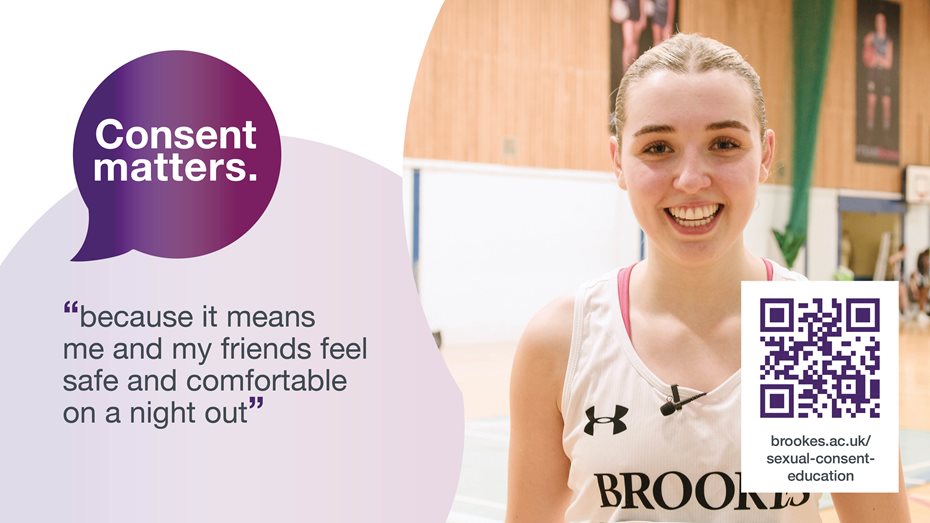

Digital screens across our campuses display an automatic rotation of important messages and campaign communications for our student audience.
The screens are located across our Headington, Harcourt Hill, Marston Road Site and Swindon Campuses and promote both University-wide and site-specific communications.
The messages are organised by campus location and each message is displayed on the screens for 10 seconds.
The digital screens can be used to promote the University's events, campaigns opportunities or important messages that are timely, relevant to the student community and supported by a webpage or event listing with further information.
Messages on the digital screens must:
- have a simple and clear message (keeping the word count below 30)
- provide only the key details and signpost to further information
- have a clear call to action
- target the right audience by location
- look engaging and follow our brand guidelines
- adhere to our digital signage content requirements (Brookes login required)
- be accessible and inclusive
- be suitable for viewing by the general public as our campuses are open access
- be used alongside other channels of communication.
The Student Communications team manages the digital screens content. They can help you to use the screens effectively, or find a more appropriate way of communicating your message.
The Creative team produces our screen assets to ensure all content is consistent, professional, accessible and in line with our brand guidelines and writing style.
There are some exceptions for third-party assets that meet our design standards and come from a reliable and reputable source, for example, the NHS.